
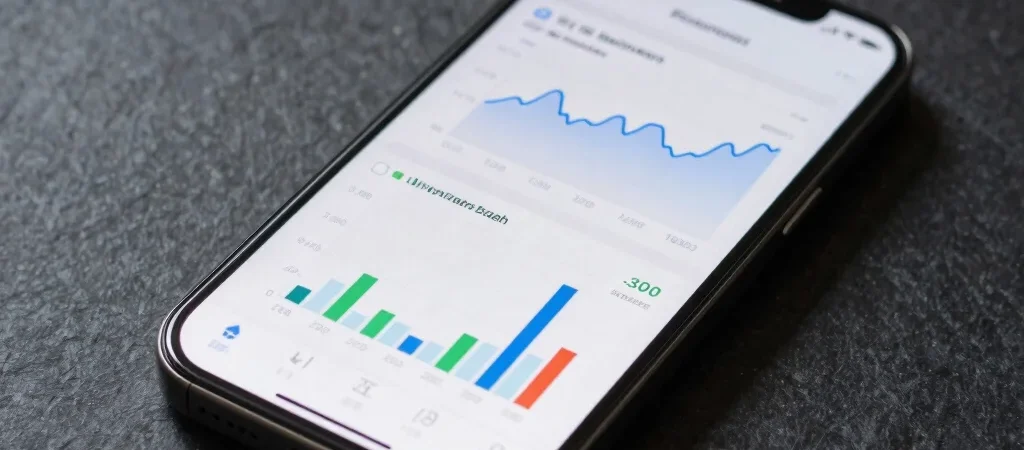
Mobile operating system updates frequently promise performance optimizations, but their true impact on daily battery endurance depends on underlying background process management. Rather than relying on official benchmark claims, evaluating real-world drain across display standby and active app states provides a clearer picture. Here is a look at how recent OS refinements modify hardware power consumption during routine tasks.
Background Process Limits and Memory Allocation
Recent software revisions restrict how aggressively non-active applications can refresh data in the background. By grouping network requests into periodic system bursts rather than constant polling, the processor remains in a low-power state for longer intervals. Users who rely on heavy messaging or sync-heavy apps will notice fewer unexpected power drops while the device sits idle on a desk.
Display Refresh Rate Scaling Adjustments
Variable refresh rate displays scale dynamically between 1Hz and 120Hz depending on the on-screen content. Newer update algorithms fine-tune these transition curves, dropping the refresh rate instantly during static text reading to reduce display driver power draw. This precise switching lowers screen-on power consumption without introducing noticeable scroll jitter during fast navigation.
Actionable Steps for Battery Calibration
After installing a major system update, system indexing often causes temporary power draw for the first 24 to 48 hours. Allowing the device to complete initial setup indexing before adjusting individual app sleep settings prevents unnecessary troubleshooting. Monitoring system battery settings over a full week yields the most accurate representation of actual hardware efficiency.